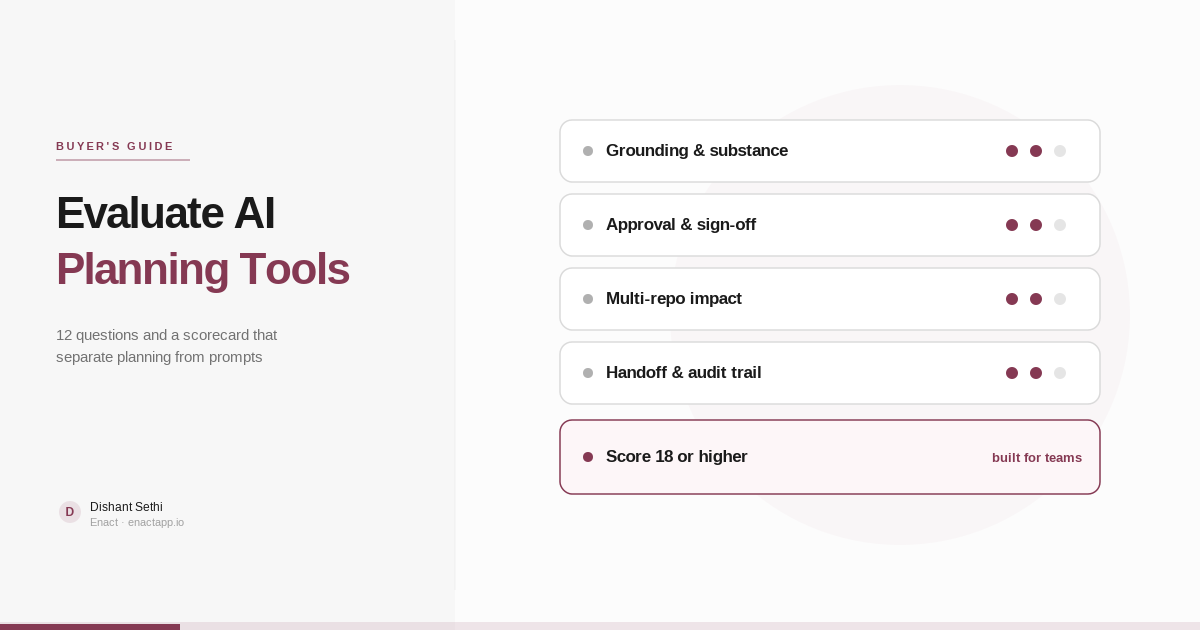
To evaluate AI planning tools well, stop scoring feature checklists and start testing how each tool handles the moment your team actually fails: when an AI coding agent builds something plausible that nobody approved. Most planning tools generate a decent-looking plan. The ones worth buying prove who signed off, what the agent can and cannot touch, and what breaks three repositories away.
The 12 questions below are the ones that separate a tool that writes tidy tickets from a tool that prevents rework. They are organized into four areas - planning substance, governance, architecture, and handoff - with a scorecard at the end so you can tally the result instead of trusting the demo.
The short version
- Planning substance: a strong tool grounds plans in your real codebase and lets a product manager contribute without reading code. A weak one just rewrites the ticket text.
- Governance: look for a formal approval gate with section-level sign-off, not a comment thread. Scope changes should re-enter approval, not drift silently.
- Architecture: the plan must map blast radius across repositories and understand cross-service contracts, not stop at the connected repo.
- Handoff and evidence: the approved plan should reach the agent over a live connection, leave an audit trail of who approved what, and fit your existing Jira or Linear workflow.
Why most AI planning tool evaluations go wrong
The default way teams evaluate AI planning tools is to line up feature grids: does it integrate with Jira, does it support Cursor, does it generate a plan from an issue. Every serious tool checks those boxes, so the grid tells you almost nothing. A tool can look perfect in a scripted demo and still fail the first time a real ticket crosses a service boundary.
The failure mode that costs real money is not a missing integration. It is an individual developer creating a plan that reads well in isolation, an agent generating 400 lines against it, and a reviewer discovering at pull-request time that the change quietly altered a shared schema consumed by two other services. As software architect Martin Fowler notes in his analysis of spec-driven development tools, the gap between human intent and automated execution is exactly where engineering quality is won or lost. A useful evaluation interrogates that gap directly.
That is why this buyer's guide is built as questions about behavior under pressure, not a feature inventory. Run a real cross-repository ticket through each tool during a trial, and score the answers.
The 12 questions to evaluate AI planning tools
Planning substance: is the plan real, or just reworded?
1. Does the tool ground the plan in your actual codebase, or only rewrite the ticket? A plan assembled from the issue text alone inherits every ambiguity the ticket already had. A strong tool parses your repositories and grounds the plan in current implementations - real file paths, real function signatures, real dependencies. Ask it to plan a change and check whether it references code that exists, or invents a structure it assumes you have.
2. Can a product manager read and shape the plan without reading code? If only the engineer who ran the command can interpret the output, you do not have cross-functional planning - you have a prompt generator with extra steps. A strong tool presents scope, user flows, and acceptance criteria in a form a PM can review and challenge. This is the exact workflow we cover in our field guide on how PMs review an AI coding agent's plan.
3. Does it capture non-goals and scope boundaries, not just the happy path? Agents fill silence with assumptions. If the plan lists what to build but never states what to leave alone, the agent will cheerfully refactor an adjacent module nobody asked it to touch. A strong plan names non-goals, out-of-scope services, and explicit constraints the agent must respect.
Governance: who actually signs off?
4. Is there a formal approval gate, or only a comment thread? A threaded discussion on a plan is useful, but a comment is not a sign-off. When the agent ships something wrong, "we discussed it in the thread" is not an answer. A strong tool makes approval an explicit, recorded state that gates execution, so the plan is frozen before any code is generated. Our deep dive on spec approval workflows for AI coding agents breaks down what a real gate requires.
5. Can product and engineering sign off on different sections independently? Product owns scope and edge cases; engineering owns API contracts, schemas, and performance. A single "looks good" button collapses two very different reviews into one. A strong tool records section-by-section approval so each role signs the part they are accountable for, and you can see exactly who approved what.
6. When scope changes mid-build, does the change re-enter approval, or drift silently? Scope always moves once the agent hits something unexpected. The question is whether a mid-build pivot re-triggers sign-off or just gets edited into a comment. A strong tool re-routes material changes back through the gate so product and engineering stay aligned, instead of letting the agent improvise past the agreed boundary.
Architecture: does it see past one repo?
7. Does it map blast radius across repositories, or stop at the connected repo? Most costly agent mistakes are boundary violations across services, not syntax bugs inside one file. A tool scoped to a single repository cannot warn you that changing an event schema in the checkout service breaks a consumer in billing. A strong tool builds a cross-repository view and surfaces downstream consumers before coding begins - the core theme of our piece on AI coding agents across multiple repos.
8. Does it understand cross-service contracts - APIs, schemas, and events? Mapping that two repos are related is table stakes. Understanding that a specific endpoint, database table, or message contract connects them is what prevents a silent break. Probe whether the tool can name the actual producer and consumer of a contract, or whether it only knows the files changed.
9. Does the plan stay accurate as the codebase evolves, or go stale on day two? A plan grounded in a snapshot drifts the moment the next commit lands. Some tools treat the specification as a living artifact that re-syncs to code; others produce a one-time document. Decide which you want, then verify the tool actually does it rather than claiming it on a slide.
Handoff and evidence: from plan to agent to audit
10. How does the approved plan reach the agent - static copy-paste or a live connection? A plan pasted into a prompt is a point-in-time snapshot the agent reads blindly. A stronger pattern serves the live approved plan to the agent over the Model Context Protocol (MCP), the open standard for connecting AI tools to external context, so the agent reads scope, non-goals, and constraints directly rather than from a stale clipboard.
11. Is there an audit trail of who approved what, against which version? For any team under SOC 2 or similar obligations, "the agent wrote it" is not a defensible record. A strong tool keeps a tamper-evident history of approvals tied to specific plan versions. If you need evidence that a human gated an AI-built change, start from our guide to audit trails for AI-generated code.
12. Does it fit your existing SDLC, or demand a new IDE and workflow? A planning layer that forces your team into a separate editor or a parallel tracker will be abandoned the week the deadline tightens. A strong tool syncs approved plans into the Jira or Linear workflow your team already lives in, so planning is a gate on the existing process, not a detour around it.
The AI planning tool scorecard
Score each question 0, 1, or 2 as you run a real cross-repository ticket through the tool during a trial. A total of 18 or higher signals a tool built for team governance; 10 to 17 signals a solid single-developer prompt layer; below 10 means you are buying a ticket rewriter.
| # | Question | Weak signal (0) | Strong signal (2) |
|---|---|---|---|
| 1 | Codebase grounding | Rewrites the ticket text | Plan cites real files and dependencies |
| 2 | PM can contribute | Engineer-only output | Readable, reviewable by product |
| 3 | Non-goals captured | Happy path only | Scope, non-goals, constraints stated |
| 4 | Formal approval gate | Comment thread | Recorded sign-off that freezes scope |
| 5 | Section-level sign-off | One approve button | Product and engineering sign separately |
| 6 | Mid-build change control | Edited in a comment | Change re-enters the approval gate |
| 7 | Multi-repo blast radius | Single connected repo | Cross-repo downstream impact surfaced |
| 8 | Cross-service contracts | Lists changed files | Names producers and consumers |
| 9 | Plan stays current | One-time document | Living spec or explicit re-grounding |
| 10 | Agent handoff | Copy-paste prompt | Live plan served over MCP |
| 11 | Audit trail | No approval record | Versioned, tamper-evident sign-off log |
| 12 | Fits existing SDLC | New IDE or tracker required | Syncs into Jira and Linear |
Workflow summary: a dependable AI planning tool grounds the plan in your real codebase, gets product and engineering approval, maps cross-repo blast radius, serves the plan live to the agent, and leaves an audit trail. Miss any stage and the build looks plausible but no one can account for it.
How today's tools tend to answer the checklist
No single tool wins every question, and the honest answer depends on whether you are a solo developer or a cross-functional team. A few reference points, drawn from each vendor's own materials:
- Issue-native prompt refiners. CodeRabbit Plan positions itself as "collaborative planning for teams with AI agents" and generates an editable plan from an issue or a prompt, then hands the agent a refined prompt to copy into Cursor, Windsurf, or Copilot. It scores well on fitting an existing tracker and on collaborative editing, and it is scoped primarily to the connected repository. Our CodeRabbit Plan alternative comparison walks through the trade-offs in detail.
- Living-spec platforms. ProdE bills itself as "Software Planning for Agentic Development" and emphasizes "living specs," "change impact analysis," and "multi-repo intelligence" that keep documentation synced to an evolving codebase. It scores well on keeping plans current and on multi-repo awareness; the open question for buyers is how formal the approval gate is. See our ProdE alternative breakdown for the specifics.
- Spec-driven CLI and IDE tooling. GitHub's Spec Kit, AWS Kiro, and Tessl all scaffold specifications for individual developers. They score well on grounding and structure, but assume the author and reviewer are the same engineer. Our Spec Kit vs Kiro vs Tessl comparison covers what each assumes about your team.
Where these categories tend to leave gaps is questions 4 through 6 and 11 - the governance and evidence questions. Enact was built around those: product and engineering approve a structured specification section by section, the approved plan is served to Cursor, Claude Code, Copilot, and Windsurf over MCP, and every sign-off is recorded against a plan version. If you want to put a number on what catching a cross-repo break early is worth, our rework ROI calculator estimates the saving per avoided rework cycle. For the argument behind this approach, see why AI coding agents need an approved plan, not a better prompt.
The verdict
When you evaluate AI planning tools, weight the four governance and architecture areas over the feature grid. Any mature tool will generate a plan, integrate with your tracker, and hand off to an agent. Far fewer prove who approved the plan, enforce a real gate when scope moves, map impact beyond one repository, and leave an audit trail you can show a security reviewer. Score a real ticket, not a demo, and let the total decide.
If your team is a single developer tightening prompts inside one repo, a lightweight prompt refiner is a reasonable buy. If product and engineering must agree before an agent touches code across multiple services, hold out for a tool that scores 18 or higher on the checklist above.
Score Enact against your own checklist
Bring a real ticket that crosses repositories. We will run it through Enact live so you can score grounding, approval gates, multi-repo impact, and the MCP handoff yourself.
Book a call →